 Lilacpane
iPad and Mac screenshot sizes
Check iPad and Mac dimensions, orientation, and aspect ratios.
Read guide →
Find the guide for the task at hand: add a device frame, check dimensions, or fix a blurry export.
Prepare your source → Pick a frame → Check the export
Read guide →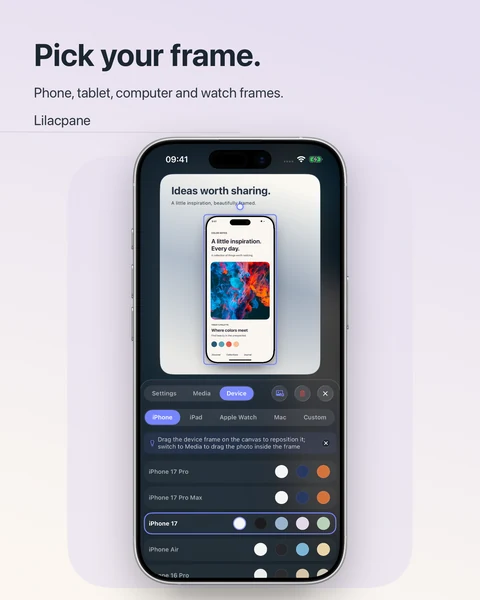
Browse by topic or search for the problem you want to solve.
Showing 17 of 17 guides
Check iPad and Mac dimensions, orientation, and aspect ratios.
Check preview dimensions, duration, and export requirements before recording.
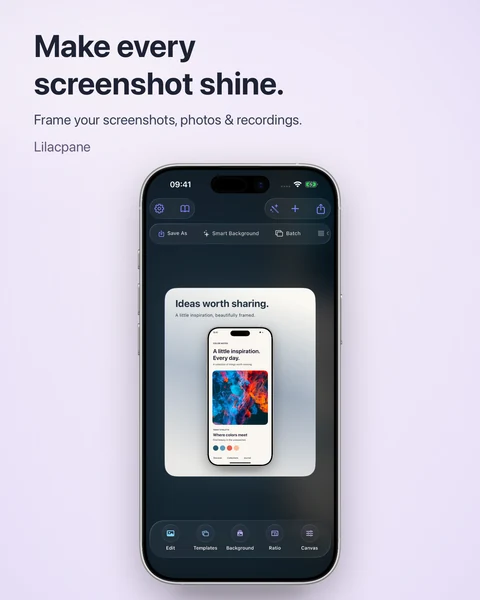
Start with a source screenshot, add a frame and background, then check the export.
Frame a screen recording while preserving its proportions.
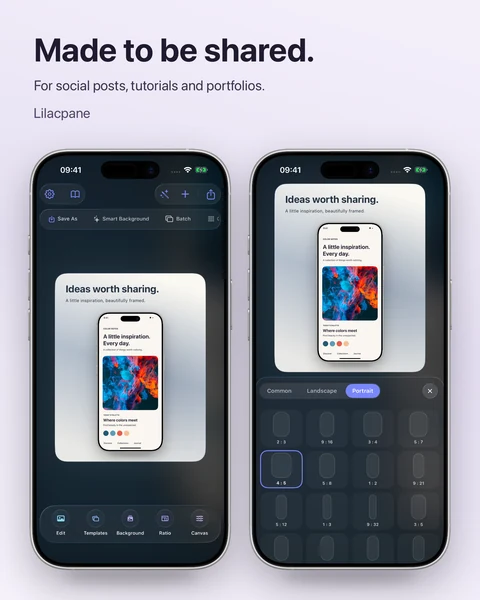
Choose a size for each device and check your final export.
Check demo data, notifications, QR codes, and exported files before sharing.
Find blur at the source, inside the frame, in the export, or on the website.
Coordinate interface language, headlines, demo data, and localized exports.
Publish screenshots with useful descriptions and relevant landing pages.
Review app content, promotional copy, and demo data before submission.
Choose backgrounds, colors, and type that keep your screenshot readable.
Keep layouts, filenames, and export checks consistent across a set.
Review icons, screenshots, previews, and localized assets before launch.
Turn a group of app screens into a consistent set of phone mockups.
Plan useful visuals for your website’s hero, features, and workflow.
Use key screens and multiple devices to explain a design case study.
Give each post one clear message that stays readable at thumbnail size.
Try a shorter search, or clear the filters to see every guide.
Practical workflows for launch images, screenshot design, device mockups and App Store screenshots.
Turn product screenshots into launch graphics, website visuals and social posts with a clear headline, background and device mockup in Lilacpane.
Screenshot designBeautify a screenshot with a background, readable text and balanced spacing. Learn how to avoid blurry exports and prepare product visuals in Lilacpane.
Device mockupsCreate phone and multi-device mockups from screenshots or screen recordings. Choose framing, composition and export checks for product presentations.
App Store screenshotsMake App Store screenshots from real app screens, consistent layouts and clear captions. Check dimensions, localized text and exported files before upload.