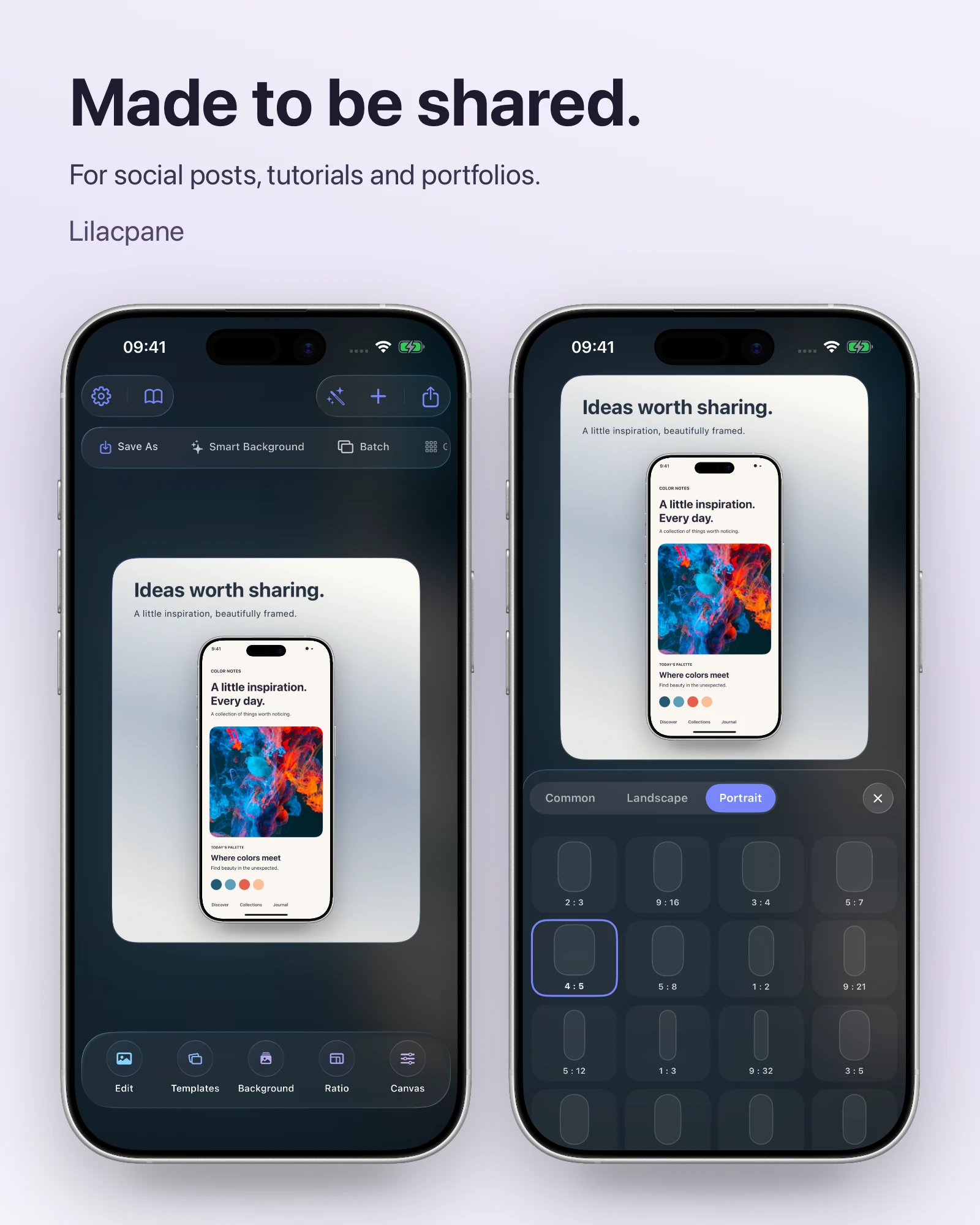
 Lilacpane
01 / Three kinds of visual assets
Shipping involves three asset types with completely different rules, and mixing them up is where errors begin:
| Asset | Where it appears | Key constraints |
|---|---|---|
| App icon | Home screen, search results, top of product page | No alpha channel, no rounded corners (the system adds them), 1024 × 1024 source |
| App screenshots | Screenshot gallery on the product page | Fixed size list, no alpha channel, 1–10 per size and language |
| App preview video | Top of the product page, before screenshots | A different resolution list, 15–30 seconds, 500 MB cap, up to 3 |
Icons and screenshots do not share a spec, and previews do not share one with screenshots. Never copy dimensions between the three.
02 / The twelve checks
03 / The three that get missed most
- iPad 13-inch screenshots. If your app runs on iPad, this bucket is required and submission errors without it. Plenty of indie developers test on iPhone only and forget it.
- Alpha channels. A transparent PNG made for your website fails at upload. Export a separate flattened version.
- Preview video dimensions. A video exported at screenshot size will not upload — iPhone previews are 886 × 1920, not 1320 × 2868.
04 / Beyond screenshots: other visual slots
Screenshots are one piece. The full set also includes:
- App icon: the first impression, and it must read at small sizes
- App preview video: optional, but a noticeable conversion lift for interaction-driven apps
- Promotional text and description: the text area above the gallery
- Custom product pages (CPP): different screenshot sets per traffic source
- In-app events and promotional content: separate assets entirely
Short on time, prioritize: icon, first two screenshots, preview, then the rest. The first two screenshots decide whether most users keep looking.
05 / What continues after launch
Shipping is not the finish line. Product page visuals should move with your releases:
- Check screenshots still match the current UI with every release
- Use product page conversion data in App Store Connect to see which screenshot performs
- With custom product pages configured, A/B test different hero images
- When new device models launch, consider refreshing to a newer frame
06 / A realistic timeline
Visual assets should not start the day before submission. A steadier rhythm:
- At feature freeze: decide how many screenshots and what each one says
- During testing: build the template from test-build captures — layout, background, type size
- Two days before submission: swap in release captures, batch export, run the checklist
- Keep one day spare: for fixes and resubmission if rejected
Treat visuals as a second delivery track alongside the code rather than a last-minute afterthought, and submission gets much smoother.
FAQ
I only have an iPhone app — can I skip iPad screenshots?
If your app does not run on iPad, yes. But as soon as iPad is supported, the 13-inch set is required. An app running only in iPad’s zoomed iPhone mode still counts as running on iPad.
What should the first screenshot show?
The screen that best communicates your core value. The first image gets far more exposure than the rest, and users usually decide within the first two or three. Lead with the most universal feature and push niche ones later.
Are more screenshots better?
Not necessarily. Ten are allowed per size, but five to eight is usually right. Extra images dilute focus — nobody studies all ten. Covering a few things well beats filling every slot.
How long does a rejection take to resolve?
After fixing and resubmitting, you re-enter the normal review queue. Timing varies by season but is usually faster than the first submission. Budgeting fix time is far more practical than trying to rush review — running the checklist beforehand is the one variable you control.