 Lilacpane
01 / The umbrella: 2.3 Accurate Metadata
Guideline 2.3 governs everything screenshot-related. It requires that all app metadata — privacy information, app description, screenshots, and previews — accurately reflect the core experience of the app, and stay updated with each new version.
Every rule below is a specific case arising from that one:
| Guideline | What it says |
|---|---|
| 2.3.1(a) | No misleading marketing, including promoting content or services the app does not offer, or false pricing — this can lead to removal or account termination |
| 2.3.2 | If the app has in-app purchases, the description, screenshots, and previews must make clear which items, levels, or subscriptions require additional purchase |
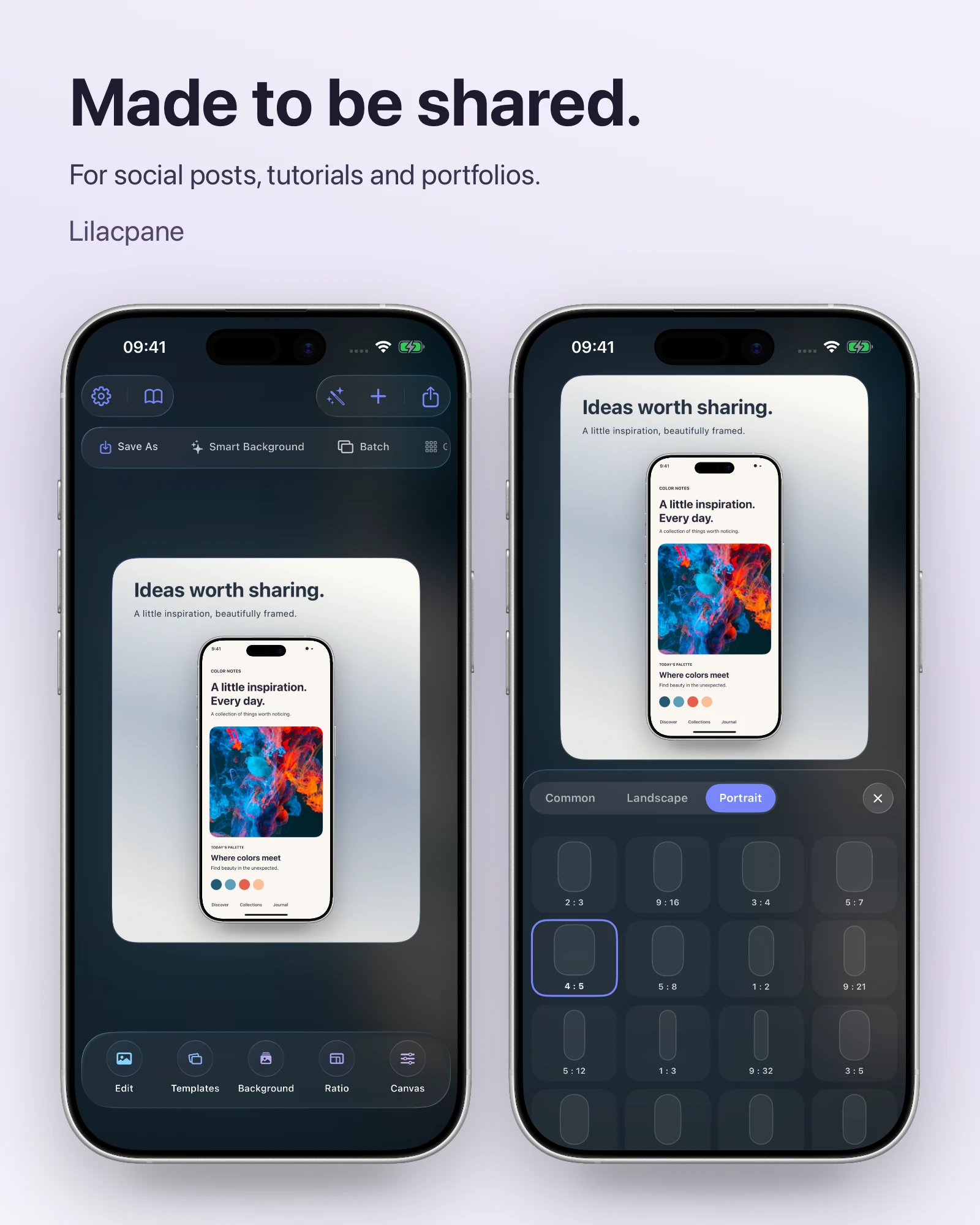
| 2.3.3 | Screenshots should show the app in use, not merely title art, a login page, or a splash screen |
| 2.3.4 | Previews may only use video screen captures of the app |
| 2.3.7 | Metadata must not include pricing, terms, or descriptions that do not apply to the metadata type |
| 2.3.8 | Metadata should be suitable for all audiences; icons, screenshots, and previews must stay at a 4+ rating |
| 2.3.9 | You must have rights to all materials in screenshots, and must show fictional account information rather than real personal data |
| 2.3.10 | Do not include names, icons, or imagery of other mobile platforms or alternative app marketplaces |
02 / 2.3.3: the rejection you will meet most
“Screenshots should show the app in use, and not merely the title art, login page, or splash screen.” Plain as it sounds, this is the single largest source of screenshot rejections.
Apple’s actual rejection wording goes further: if your screenshots do not sufficiently reflect the app in use, and if marketing or promotional material does not reflect the app UI, it is not appropriate as a screenshot. iPhone screenshots should reflect use on iPhone devices; iPad screenshots should reflect use on iPad devices.
03 / Ten triggers and how to fix them
| Trigger | Guideline | Fix |
|---|---|---|
| Only title art, login page, or splash screen | 2.3.3 | Show a real interface in use, with content and signs of interaction |
| Features the app does not contain | 2.3 / 2.3.1 | Use only screens present in the build you are submitting |
| UI differs from the submitted build | 2.3 | Re-check screenshots before every release and update changed screens |
| Price or promotion text | 2.3.7 | Remove pricing; describe the feature or value instead |
| Content not suitable for all audiences | 2.3.8 | Keep screenshots at a 4+ level even if the app is rated higher |
| Real personal data on screen | 2.3.9 | Switch to fictional account data, including avatars and names |
| Android hardware or another store’s badge | 2.3.10 | Remove other-platform elements; keep Apple devices only |
| Preview is not a capture of the app | 2.3.4 | Use real screen recordings; overlay text is fine |
| In-app purchases not disclosed | 2.3.2 | State in screenshots or description what requires payment |
| A required size is missing | Pre-submission check | Add iPhone 6.9-inch or iPad 13-inch |
04 / About the “60/40 rule”
You may have heard that a screenshot must contain 60% real app UI, leaving 40% for marketing copy.
05 / Pre-submission checklist
FAQ
Can I put text on screenshots?
Yes. Guideline 2.3.3 states screenshots may include text and image overlays, such as demonstrating touch points or Apple Pencil input, or showing extended device features. The requirement is that real UI sits underneath.
Can screenshots show features that are not released yet?
No. That falls under 2.3.1, which prohibits promoting content or services the app does not actually offer. When a reviewer downloads the app and cannot find the feature, the screenshot is rejected as inaccurate.
Is showing a real user avatar a problem?
Yes. Guideline 2.3.9 requires fictional account information rather than real personal data. Replace names, avatars, chat history, order numbers — everything.
My app is rated 17+, so can screenshots be edgier?
No. Guideline 2.3.8 requires metadata suitable for all audiences; icons, screenshots, and previews must stay at a 4+ rating even when the app itself is rated higher.