 Lilacpane
Give every screenshot a specific question to answer
A beautiful device mockup can still leave a first-time visitor unsure what the product does. Start image SEO by assigning each asset a clear purpose: show how a frame is selected, explain the background controls, or demonstrate an exported result. A question-based inventory is easier to maintain than repeating the same keywords across every file.
List each image's placement, feature, source, and destination page. Replace outdated interface captures. Reduce the prominence of decoration without a clear job. Use real screenshots or accurate export examples when demonstrating functionality; label conceptual artwork so readers can understand what it represents.
Match names and descriptions to the actual image
Google recommends short descriptive filenames and useful alt text written in the context of the page, without keyword stuffing. See Google's image SEO guidance.
These are writing examples; check them against your own assets before using them:
| Purpose | Example filename | Example alt text |
|---|---|---|
| Explain device selection | iphone-frame-selection.webp | iPhone frame choices in the Lilacpane device panel |
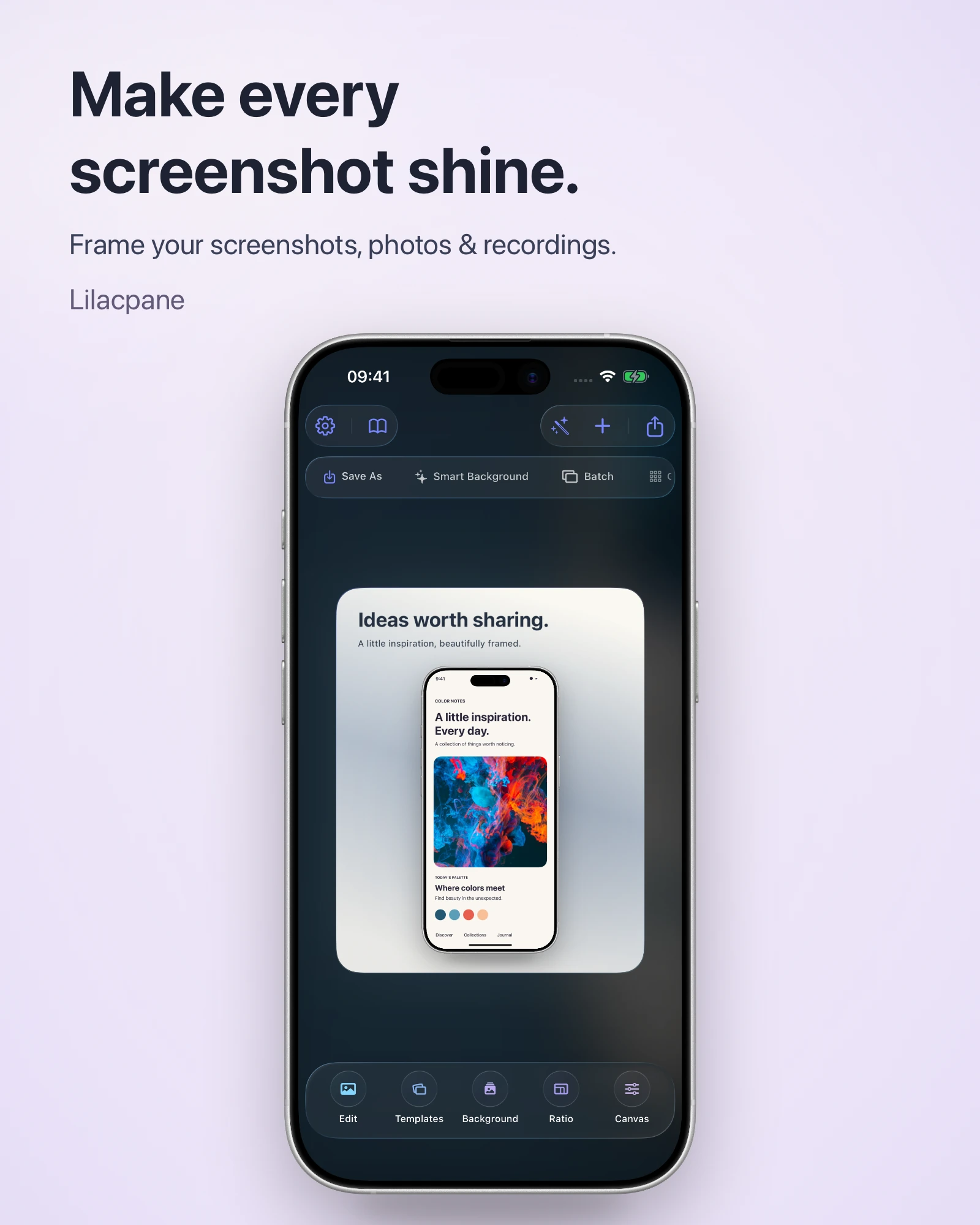
| Show background layout | screenshot-gradient-layout.webp | A single framed screenshot on a pale violet gradient with a headline above |
| Demonstrate a result | framed-task-app-example.webp | A task-list screenshot presented inside a device frame |
You do not need to repeat the article title or add “mockup, screenshot tool, free, download” to every description. Explain what the asset contributes. A caption can add the editorial point, such as keeping device styling consistent while replacing the real interface in each frame.
Write the main instructions in the page text too. Google's documentation style guide advises against embedding explanatory text only inside graphics because it complicates accessibility, searchability, and localization. See Google's guidance for documentation images.
Put important images in the page content
Google discovers images through standard HTML image elements and their src attributes; CSS background images are not indexed in the same way. Responsive images should retain a fallback source. See Google's image-discovery guidance.
Give the website maintainer a concrete instruction: place this feature screenshot beside its explanation, provide accurate alternative text, and make the image address accessible directly. Delivering a file without its purpose leaves someone else to guess whether it belongs in the hero, a decorative background, or a tutorial.
For delayed loading, avoid content that requires a click to appear. Google advises against lazy-loading immediately visible content and recommends checking rendered output with Search Console's URL Inspection tool. See Google's lazy-loading guidance.
Prepare an asset for each placement
After composing frames, backgrounds, and headlines in Lilacpane, keep a good-quality finished export and prepare the website variants from it. Export formats and scales depend on the current app version. Website-specific compression or conversion can happen afterward.
A card thumbnail, an article illustration, and a hero image have different needs. Avoid stretching a small card resource across a large display or making every thumbnail download the full-size artwork. Record the relationship between the finished master, article version, and card version so later edits do not begin with the smallest file.
After compression, compare the same small text and thin icon, then review on a phone. If the lighter file makes the interface unreadable, simplify the composition or use a close-up. The goal is a useful image at a sensible file size. The four-layer blur checklist helps isolate quality problems.
Make the landing page answer the next question
Imagine someone searching for a way to add an iPhone frame to a screenshot. After an image brings them to the page, explain how to prepare the source, choose a frame, and inspect the finished result. Then offer a relevant guide or download link. A large image and a button alone leave much of the original question unanswered.
Use an accurate main image and, where useful, a separate step or detail example. Explain why the composition works: why the complete screen is visible or why the headline sits above the device. Readers should leave with an action they can take. See the iPhone screenshot framing tutorial for a related workflow.
Review image-search performance after publication
For a verified site, change the Search Console performance report to the Image search type. Its Pages view shows landing pages, not individual image-file URLs. See Google's image-search reporting instructions.
Record which assets and pages changed, then compare impressions, clicks, and queries over equivalent periods. With limited data, first look for relevant queries rather than judging the design from a single click. Search demand, page usefulness, and indexing also matter; an image or an alt-text change cannot guarantee rankings.
Is adding keywords to the filename enough?
No. The asset also needs an accurate image, useful page content, appropriate loading, and a landing page that answers the visitor's question.
Can one screenshot appear on several pages?
Yes, when it serves a relevant purpose in each location. If it merely fills space, review the content before deciding whether another visual is needed.
Can AI artwork replace a product screenshot?
Conceptual artwork can support backgrounds or atmosphere. Demonstrate actual features with real interface captures or accurate examples, and make their roles clear.
Official references