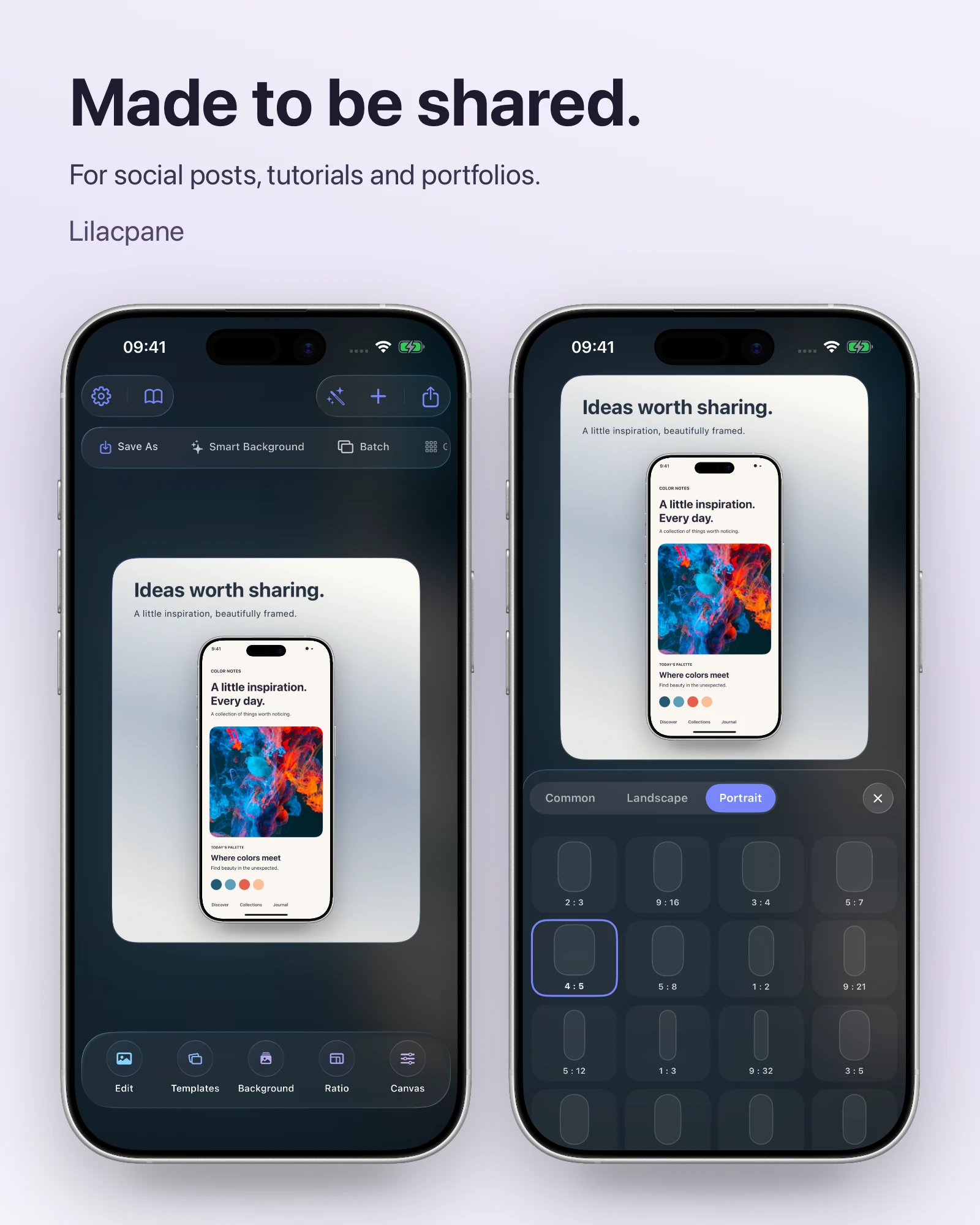
 Lilacpane
01 / Write one sentence before choosing the screenshot
Write the value of the image in one sentence, then choose a screen that proves it. If the sentence needs two or three separate claims, split it into several images.
02 / Compose at thumbnail size
Regularly zoom out to the size of a feed card. If it only makes sense when enlarged, reduce copy, enlarge the important UI, or increase contrast.
03 / Treat every platform as a separate canvas
Display placement, crop behavior, and recommended dimensions change by platform. Check the destination’s current requirements, then choose an appropriate canvas and export option in Lilacpane. Avoid placing essential information on all four edges.
04 / Make a series easy to continue reading
A carousel or thread should share headline position, device scale, and background rhythm. The content changes, but the reading action stays consistent, helping people continue through the set.
FAQ
Should a social visual contain a lot of copy?
Keep one conclusion and only essential support. Put detailed explanation in the post body, replies, or the linked page.
Should every image use a device shell?
No. Use a frame to establish context and a close crop when the next image needs to explain interface detail.
Are complex backgrounds more engaging?
Not automatically. The background should create contrast and recognition. If it makes the headline or UI harder to read, it is already too much.