 Lilacpane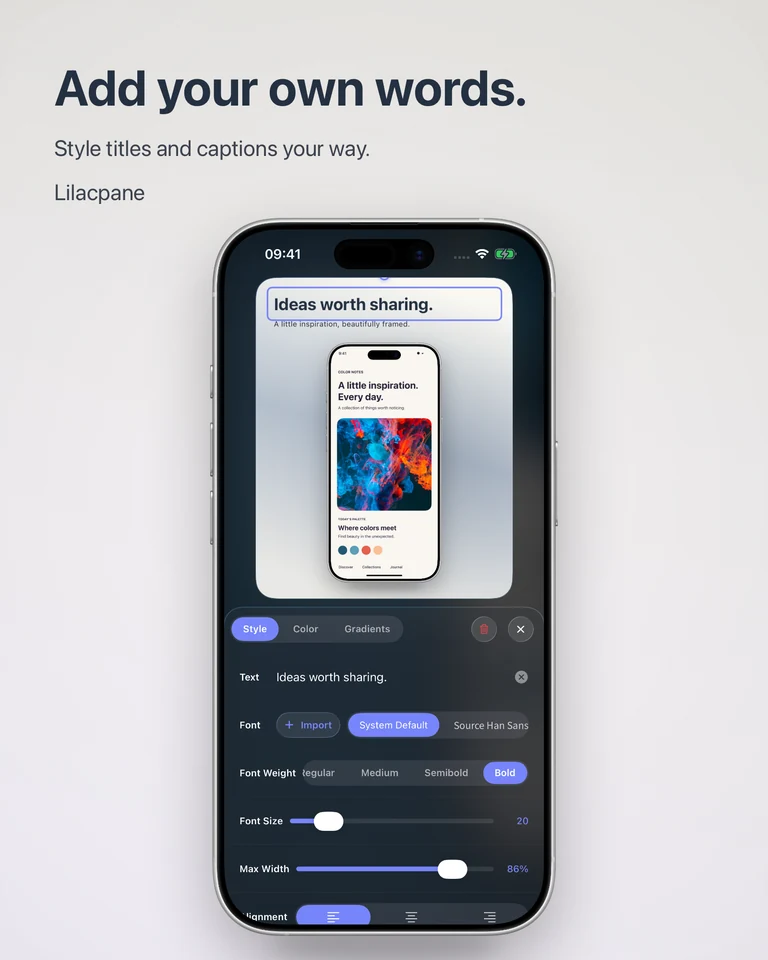
Plan the sequence before the layout
Choose a real workflow for each image. Start with the main benefit, follow with a useful feature and show a concrete result. Capture screens with realistic sample content and no personal information. A short caption should explain the visible feature rather than promise an outcome the app cannot provide.
Check screenshot sizes at the source
Use Apple’s current screenshot specification table to choose the required dimensions for your app’s platform and device category. Confirm both width and height, file format and orientation. A phone frame or a matching aspect ratio alone does not establish that the exported file meets those requirements.
Create a consistent set in Lilacpane
Import your screenshots, set the canvas, choose a device frame if useful, and add backgrounds and text. Keep the headline position and margins consistent across the set. When replacing content or using a batch workflow, inspect every image for unexpected cropping and line breaks before export.
Localize and review the final files
Replace both captions and the app interface with the intended language where appropriate. Recheck line length, font support and emphasis: a translated sentence may require a different layout. Verify the actual exported dimensions, inspect small text and preview the order in App Store Connect before submitting. Lilacpane does not submit the listing or guarantee approval.
Apple screenshot specifications (English)
Questions before you start
Can I reuse my social media graphics?
Use them as source material, then adapt the layout and export to the App Store’s current requirements. Do not assume a social image already has an accepted size.
Does localization happen automatically?
Prepare the translated text and matching app screens, replace the content and review each language. This workflow does not promise automatic translation.
Free to download. In-app purchases are available; check the app for current access and export options.