Online photo frames
Add one of 10 original app frames to your photo. Crop or fit, preview and export PNG or JPEG for free. Images stay in your browser without uploads.
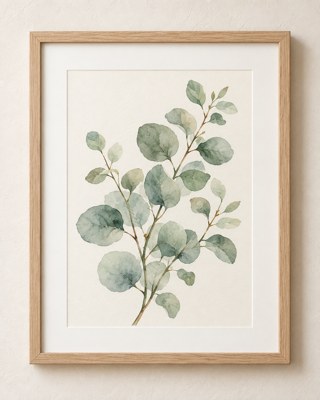
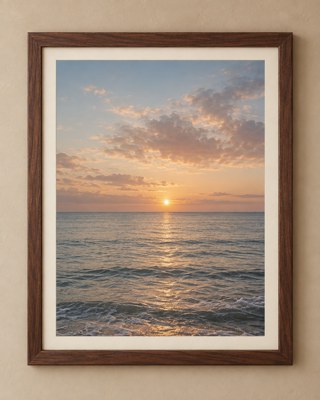
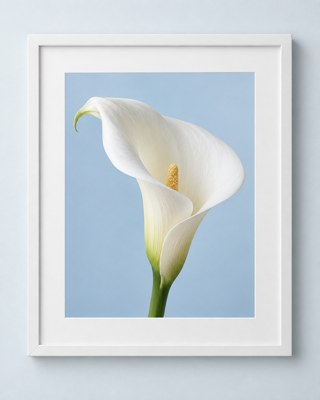
Start with one photo
Choose a photo or drop it here. Pick a frame, adjust the crop and download.
JPG, PNG and WebP · Up to 20 MB and 24 megapixels.
Your photo is processed in this browser and is not uploaded.
Preview
Local previewYour preview appears here after you choose a photo.
Original frame ratio · 1122 × 1402 px export
PNG keeps transparency. JPEG uses the selected background.
When you are ready, download a PNG or JPEG.
Original app frames, in your browser
Oak, walnut, champagne, silver and gallery frames use the original app artwork. Fill the opening and drag or zoom your photo, or show the full image. Frame proportions, materials and apertures stay intact. No account needed; photos stay on your device.
About this tool
Is my photo uploaded to the website?
No. Your photo is read and drawn in this browser. The website does not receive the image, its filename or its dimensions. The browser creates the exported file on your device.
Which image formats can I use?
JPG, PNG and WebP are supported. HEIC, GIF and AVIF are not supported yet. Each file is limited to 20 MB; decoded images are limited to 24 megapixels and 16,000 pixels on either side.
What is the difference between PNG and JPEG export?
PNG preserves photo transparency and gaps by default. Enabling gap fill adds the selected background. JPEG cannot preserve transparency and fills the opening with your selected color.
What if my photo has a different ratio?
Fill the opening is the default. Drag or zoom to adjust the crop, or choose Show full photo to keep the entire image with transparent or colored gaps. The frame keeps its original 1122 × 1402 ratio.